Address
304 North Cardinal
St. Dorchester Center, MA 02124
Work Hours
Monday to Friday: 7AM - 7PM
Weekend: 10AM - 5PM
Address
304 North Cardinal
St. Dorchester Center, MA 02124
Work Hours
Monday to Friday: 7AM - 7PM
Weekend: 10AM - 5PM
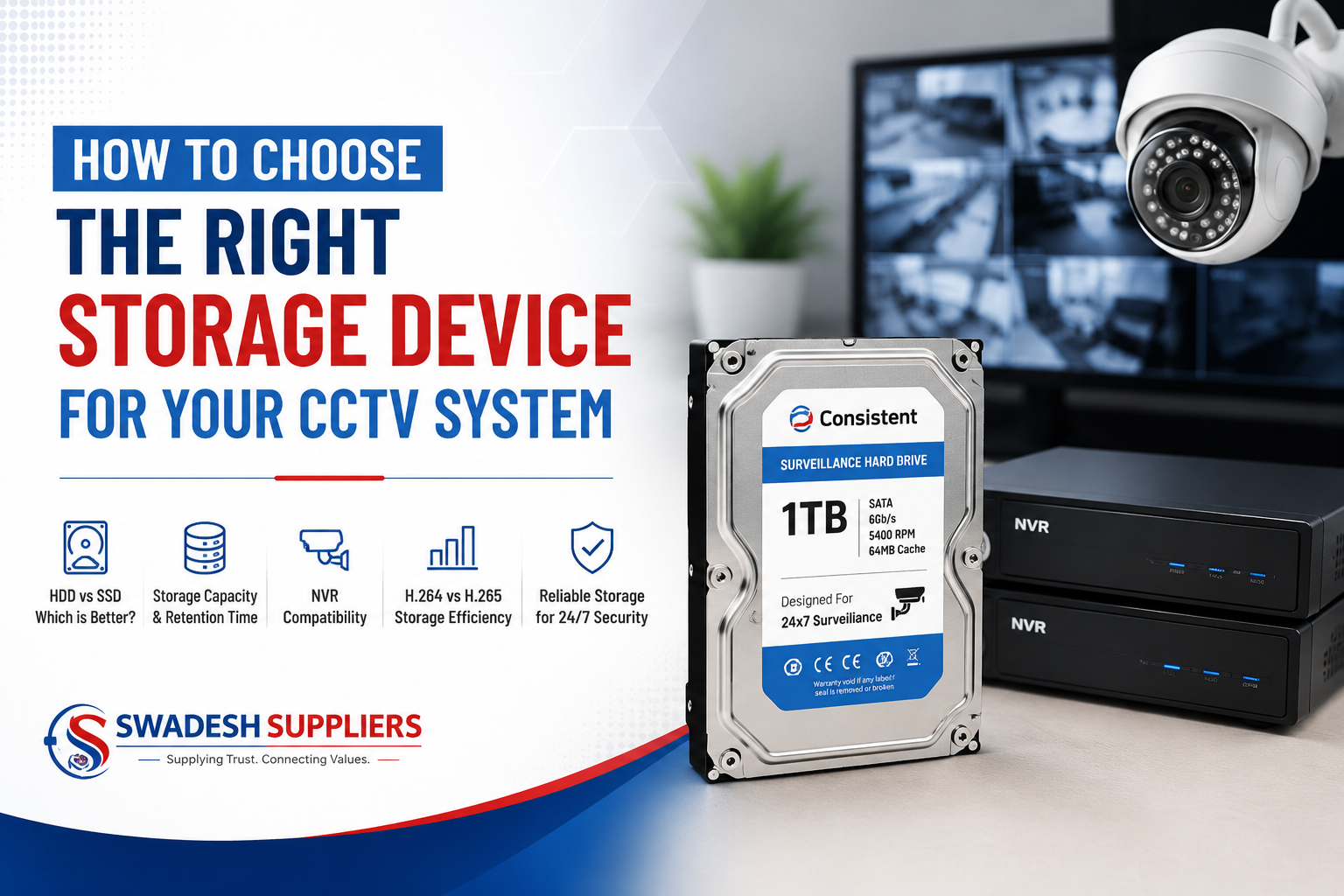
A reliable CCTV system is not complete without the right storage solution. Your cameras may capture high-quality video, but without sufficient and reliable storage, you may not be able to access important recordings when you need them.
Choosing the right storage device depends on several factors, including the number of cameras, video resolution, recording method, retention period, and the type of surveillance system you are using.
In this guide, we explain the important factors to consider when selecting storage for a CCTV surveillance system.
CCTV cameras continuously generate video data.
For example, a system with:
can generate a large amount of data every day.
Your storage device must therefore be capable of handling continuous recording and playback.
A storage device that is too small may cause older recordings to be overwritten sooner than expected.
One of the first decisions is choosing between a Hard Disk Drive (HDD) and a Solid-State Drive (SSD).
HDDs are commonly used for CCTV recording because they offer:
For most NVR-based CCTV installations requiring several terabytes of storage, HDDs are generally a practical choice.
SSDs use flash memory instead of mechanical components.
They offer:
However, large-capacity SSD storage can be more expensive than HDD storage.
For many conventional CCTV recording systems, a suitable surveillance HDD can provide a more economical solution.
There is no single storage capacity that works for every CCTV system.
The required capacity depends on:
More cameras produce more video data.
For example:
4 cameras will generally require considerably less storage than 16 cameras operating with the same settings.
Higher-resolution cameras produce more data.
A 5MP camera generally requires more storage than a 2MP camera when other recording settings are comparable.
Continuous 24-hour recording requires considerably more storage than motion-triggered recording.
You also need to decide how long you want to keep recordings.
For example:
The longer the retention period, the more storage you will need.
Your recording method has a major effect on storage requirements.
The camera records continuously throughout the day.
Advantages:
Disadvantage:
The system records when motion or a configured event is detected.
Advantages:
Disadvantage:
For many businesses, a combination of continuous and event-based recording can be useful depending on the area being monitored.
Video compression has a significant impact on storage requirements.
Two commonly supported compression standards are:
H.264
and
H.265
H.265 is designed to provide more efficient video compression than H.264 under comparable conditions.
This can potentially reduce the amount of storage and network bandwidth required.
However, the actual storage requirement depends on factors such as:
Therefore, don’t select storage capacity based only on the compression format.
The storage device must be compatible with your NVR.
Before purchasing an HDD, check:
For example, some NVRs may support multiple SATA drives, while smaller NVRs may have only one SATA interface.
Choosing an HDD larger than the NVR’s supported capacity may not provide the expected result.
This is an important consideration for CCTV installations.
A CCTV system may write data continuously for long periods. Therefore, a surveillance-rated HDD is designed specifically for workloads associated with video surveillance.
When selecting a storage drive, consider:
For a professional CCTV installation, using an appropriate surveillance storage drive can be preferable to simply choosing any desktop hard drive.
Don’t calculate storage only for your current requirements.
For example, suppose you currently have:
8 cameras
but plan to expand to:
12 or 16 cameras
in the future.
Your storage requirements will increase as the number of cameras increases.
Planning for expansion can help avoid replacing your storage infrastructure sooner than necessary.
Here is a simple way to think about CCTV storage:
| CCTV System | Typical Considerations |
|---|---|
| 4 Cameras | Suitable for small homes/offices |
| 8 Cameras | Small businesses and shops |
| 16 Cameras | Medium businesses |
| 32 Cameras | Larger commercial installations |
| 64+ Cameras | Large surveillance deployments |
However, camera count alone cannot determine the required HDD capacity.
For an accurate calculation, you should also consider resolution, bitrate, frame rate, compression, recording schedule, and retention period.
Some modern surveillance systems also support cloud storage.
Cloud storage can provide benefits such as:
However, cloud storage may involve subscription costs and depends on a reliable internet connection.
For many professional installations, local NVR storage combined with cloud or remote backup, where appropriate, can provide a more comprehensive storage strategy.
When buying an NVR, don’t look only at the number of camera channels.
For example, an NVR may support:
But you should also check its:
A good NVR should provide enough storage flexibility for your current and future surveillance requirements.
A simple decision process is:
Determine how many cameras you have.
Check the resolution of each camera.
Determine whether you need continuous or motion-based recording.
Decide how many days of recordings you want to retain.
Check the camera’s bitrate and frame rate.
Check whether the system uses H.264 or H.265.
Check the NVR’s supported HDD capacity and SATA interfaces.
Choose a suitable surveillance-rated storage drive.
Choosing CCTV storage is just as important as choosing the cameras themselves.
A well-designed surveillance system should provide enough storage to maintain the required recording history while also considering reliability, future expansion, NVR compatibility, and overall cost.
Whether you are setting up surveillance for a home, office, shop, warehouse, school, hotel, or large commercial property, selecting the appropriate storage solution can help ensure that important footage remains available when you need it.
Swadesh Suppliers provides CCTV, NVR, storage, networking, PoE and other security equipment to help businesses build reliable surveillance systems.
Need help selecting the right CCTV storage solution? Contact Swadesh Suppliers and let us help you choose the right equipment for your requirements.